


OncelesGL
OncelesGL
OncelesGL allows you to navigate in a 3D scene and manipulate different kinds of objects. The user interface is developped using teh GLUI API and the 3D rendering is done using OpenGl. The scene is defined by a script file describing each element present in the scene as well as lighting information. Several kind of objects can be added to a scene:
- 3D surfaces defined by implicit multivariate functions of space and time (
x,y,z,t), - Metaballs,
- Wavefront 3D objects (including material information) loaded from file or 3D objects defined within the scene script file,
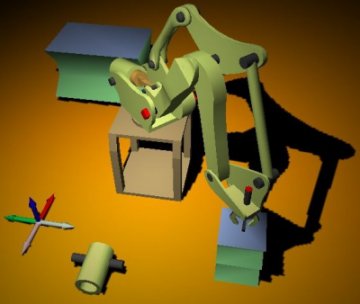
- A working model of the FANUC robot (in the screenshot below). This was developed as part of a small master project I worked on at IIE (France).
The rendering engine peforms soft shadow calculation provided that some OpenGL extensions are present. It also does some simple physics simulation (gravity and collision detection).
Download
The latest version can be downloaded
 here.
here.
Syntax
1:
|
|
To load the scene containing metaballs, open the file metaball.scn instead of fanuc.scn
Note The shadowing effect will only work if your 3D card supports the three following OpengGL extensions:
GL_ARB_multitexture GL_ARB_depth_texture or GL_SGIX_depth_texture GL_ARB_shadow or GL_SGIX_shadow
Screenshots
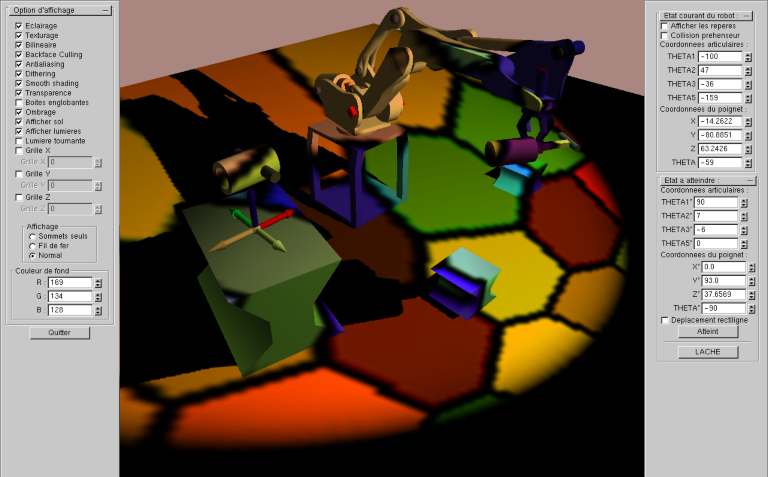
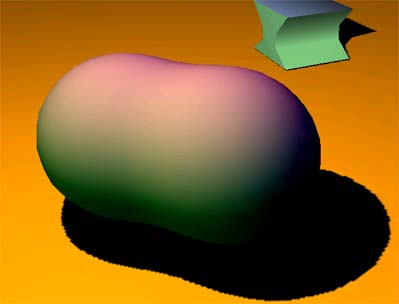
This screenshot demonstrates the tool UI, the Fanuc robot simulation, and the shadowing capabilities:
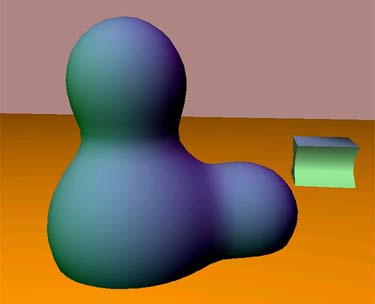
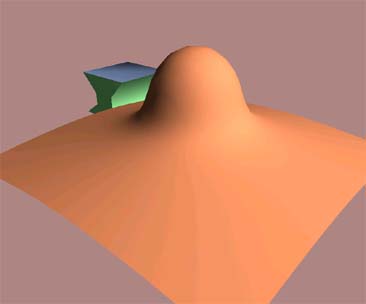
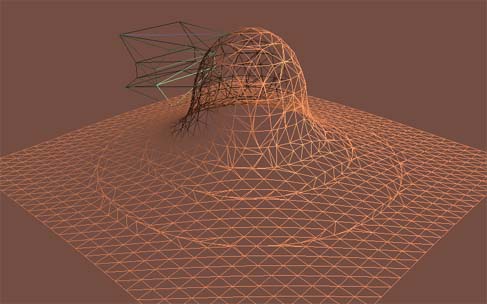
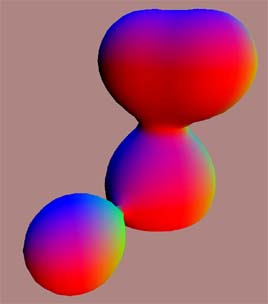
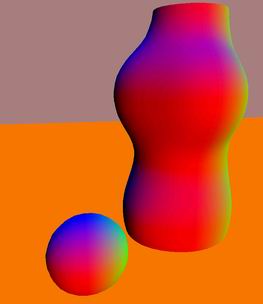
Metaballs defined as solutions of implicit multivariate functions:
Scene Script Examples
The metaball example above is defined by the following simple script:
1: 2: 3: 4: 5: 6: 7: 8: 9: 10: 11: 12: 13: 14: 15: 16: 17: 18: 19: 20: 21: 22: 23: 24: 25: 26: |
|